
What to Show on the Screen: Dummy TV Artwork for Each Room Setting
What should the screen show in each room setting? Practical guidance on dummy TV artwork for living rooms, bedrooms and compact showroom spaces.
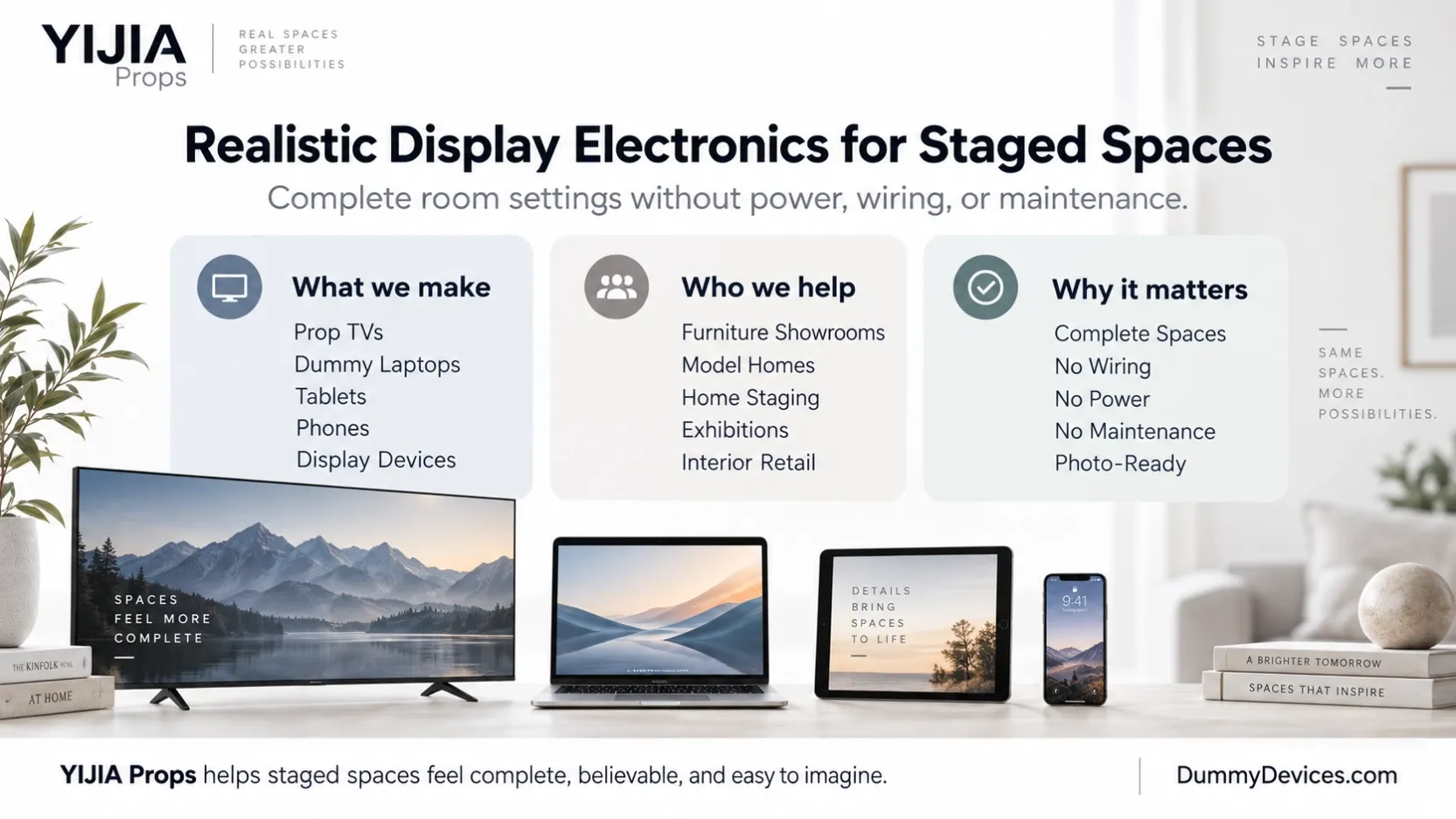
The living room: a scene that invites the customer in
The hero wall in the living-room setting is where the screen does its most important work. The artwork should feel like a living room in use — a warm, natural scene that helps the customer imagine sitting on the sofa in front of it. A landscape, a city view at dusk, or a calm interior scene all work, as long as the image feels like part of the room rather than a poster on the wall.
Keep the image bright enough to read from across the room, but not so busy that it competes with the furniture. The sofa, the coffee table and the rug are the products on display — the screen should frame them, not outshine them. For ideas on building the setting around the screen, see our living-room staging guide.
The bedroom: calm, quiet, and understated
A bedroom setting needs a different mood. The screen here is a supporting piece, not the hero — the bed, the bedding and the lighting carry the setting. Choose a calm scene: soft tones, a quiet landscape, or a simple abstract image that adds warmth without demanding attention.
Avoid bright, high-contrast images in the bedroom. A loud screen in a quiet room breaks the feeling the setting is meant to create, and it pulls the customer's eye away from the bed. If the screen is a smaller size in the bedroom — typically 55" or 65" — the artwork should be quieter still, because the customer stands closer to it.
Compact spaces: let the furniture lead
In a compact setting — a hallway vignette, a small-room corner, or a studio-style display — the furniture is close to the customer and the screen is close too. Here the simplest choice is often the best: a plain dark screen.
A dark screen reads as a switched-off TV, which is natural and honest in a small space. It keeps the focus on the furniture and stops a bright image from overwhelming a setting that is only a few steps wide. A plain dark screen also works well in settings where the screen is a secondary element and the furniture arrangement is the point of the display.
Keep the artwork consistent across stores
In a rollout, the same setting should show the same artwork in every store. A customer who visits two stores should see the same living-room scene on the same size screen — that consistency is what makes a chain of stores feel like one brand.
Decide the artwork per setting and per size before the rollout starts, and record it in the store standard alongside the screen size and the display setup. When a store needs a replacement screen, the artwork is already decided — there is no guessing, and no store ends up with a different image from the rest. Our guide to multi-store furniture showroom rollouts explains how to build that standard, and our guide to estimating mixed-size quantities helps you count how many screens of each size each setting needs.
Consistency also applies to the display setup: if the hero wall is wall-mounted in one store, it should be wall-mounted in every store. See our guide on wall-mount vs desktop stand for how to choose the setup for each setting.
What to send your supplier
When you order, send the artwork with the order — do not leave it to be decided later. For each screen, send:
- The image for that size and setting (for example, the living-room scene for the 85" hero wall, the calm scene for the 65" bedroom)
- Which setting each image belongs to, so the right image goes on the right screen
- Whether any screens should have a plain dark screen instead of an image
Name the image files clearly — by setting and size — so there is no confusion when the order is packed. Include the artwork list in your RFQ alongside quantities and mounting details; our RFQ template for furniture showrooms shows what a complete request looks like. If you have questions about sizes, artwork or ordering, our buyer FAQ covers the most common ones.
A simple checklist
- Choose the artwork by the setting: a welcoming scene for the living room, a calm scene for the bedroom, a plain dark screen where the furniture should lead
- Use the same artwork for the same setting in every store
- Record the artwork per setting and per size in the store standard
- Send the image per size and setting to the supplier with the order
- Name image files clearly by setting and size
- Include the artwork list in the RFQ
Get the artwork right, and the screen stops looking like a blank display and starts looking like part of the room — which is exactly what a customer should feel when they walk into the setting.