
Buying Guides
How to Estimate Mixed-Size Dummy TV Quantities for Showrooms
A practical method for estimating how many dummy TVs you need, in which sizes, for a single showroom or a multi-store rollout — with a worked example.
How to Estimate Mixed-Size Dummy TV Quantities for Showrooms
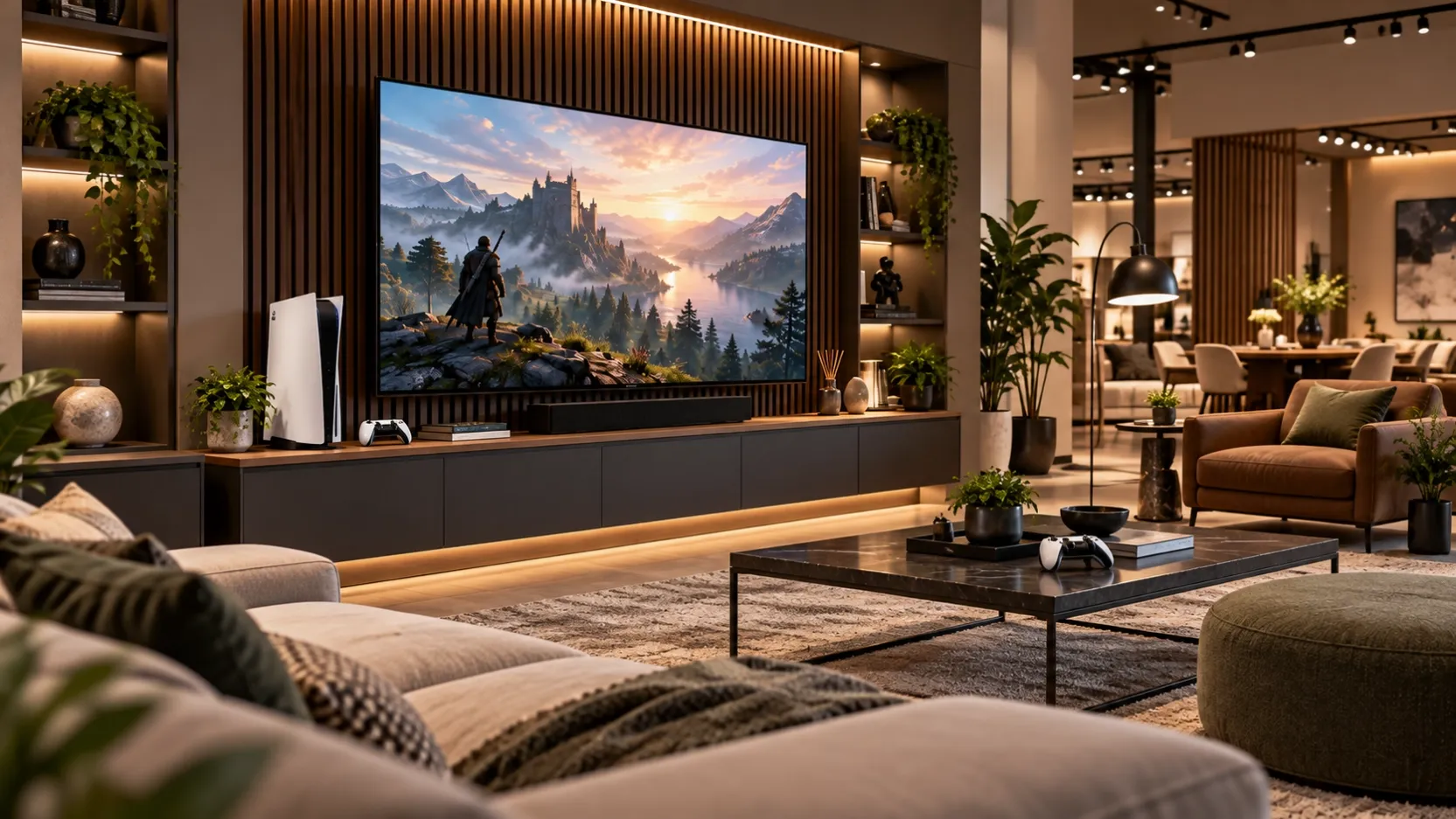
Most showrooms do not need one TV size. They need a mix: a large hero screen in the main living-room setting, a mid-size screen in the bedroom setting, and a smaller screen in a compact corner or hallway vignette. The estimating mistake is almost always the same — counting stores, but not counting room settings.
This guide shows a simple method that works for one showroom and for a multi-store rollout.
Step 1: Count room settings, not stores
Start with the floor plan of one typical store, and list every setting that needs a screen: Living-room setting (hero wall); Second living-room or media setting; Bedroom setting; Compact setting, hallway or small-room vignette.
A store with four settings needs four dummy TVs, even if two of them are the same size. If you count "one TV per store", you will under-order by half or more.
Write the list down per store. If stores differ, group them into two or three store types (for example: large, standard, compact) and count settings for each type separately.
Step 2: Assign one hero size and the supporting sizes
Each setting has a job. Assign sizes by the job, not by habit. Main living-room wall — hero screen, the first thing a visitor sees — 75 inch, 85 inch, 98 inch. Second living room / media wall — supporting screen — 65 inch, 75 inch. Bedroom setting — proportionate to a smaller wall — 55 inch, 65 inch. Compact corner / hallway — small vignette, close viewing distance — 43 inch, 50 inch, 55 inch.
Keep the range tight. Three to four sizes per store is usually enough. More sizes than that makes ordering, spares and replacement harder without making the showroom look better.
Step 3: Check the real dimensions before you order
A dummy TV is chosen by its overall size on the wall, so check width and height — not just the diagonal. The table below gives the overall width x height of our prop TVs, taken from the engineering drawings and rounded to whole millimetres: 43 inch — 957 x 555 mm; 50 inch — 1,110 x 641 mm; 55 inch — 1,227 x 706 mm; 65 inch — 1,446 x 831 mm; 70 inch — 1,550 x 897 mm; 75 inch — 1,667 x 955 mm; 85 inch — 1,890 x 1,080 mm; 98 inch — 2,179 x 1,243 mm.
Measure the wall or the furniture the screen will sit above, and leave breathing room on both sides. A 98-inch screen needs a genuinely large wall — if the wall is only just wider than the screen, step down a size rather than squeezing it in.
Step 4: Worked example — a 12-store rollout
Take a standard store with four settings: 1 x 85 inch — main living-room hero wall; 1 x 65 inch — second living-room setting; 1 x 55 inch — bedroom setting; 1 x 43 inch — compact corner.
That is 4 units per store. Across 12 stores, the base quantity is 48 units: 12 x 85 inch, 12 x 65 inch, 12 x 55 inch, 12 x 43 inch.
Then add spares. One spare per size for the whole rollout is a practical minimum — a damaged screen in one store should not leave a setting empty while a replacement ships. That brings this example to 52 units in total.
If your stores are not identical, run the same calculation per store type and add the types together. Do not average the store types into one "typical" store; the average hides the stores that need the large hero screen.
Step 5: What to put in your RFQ
When you request a quote, list the quantity per size — not just a total. A clear RFQ includes: quantity for each size, per store type; wall-mount or desktop stand for each unit; screen artwork or finish required (for example, a living-room scene or a plain dark screen); delivery addresses and timing per store or region; how spares should be handled.
A supplier can quote accurately from that list. A single total number ("about 50 TVs") always comes back with questions.
Three mistakes to avoid
- Ordering only hero sizes. The main wall looks right, but the bedroom and compact settings sit empty — and visitors notice the gap more than the hero screen.
- Ordering one size for every setting. A 65-inch screen in a small bedroom setting overwhelms the furniture; a 43-inch screen on a large living-room wall disappears.
- Forgetting spares. Dummy TVs are light and easy to move, which also means they get moved, bumped and occasionally damaged. Budget the spares in the first order, not as an emergency reorder.
A simple checklist
List every room setting in a typical store. Assign a hero size and supporting sizes. Check overall width and height against the real wall. Multiply per store type, then add the types together. Add one spare per size. Send the RFQ with quantities per size, mounting, artwork and delivery details.
Get the quantities right once, and every store in the rollout opens with the same standard — no empty walls, no oversized screens, and no second emergency order.