
Oct 5, 2026Buying Guides
Prop TV vs Real TV for Furniture Showrooms: Cost, Maintenance & Multi-Store Trade-Offs
A practical B2B comparison of prop TVs and real TVs for furniture showrooms, covering display purpose, maintenance, cable management, consistency, logistics and multi-store rollout planning.
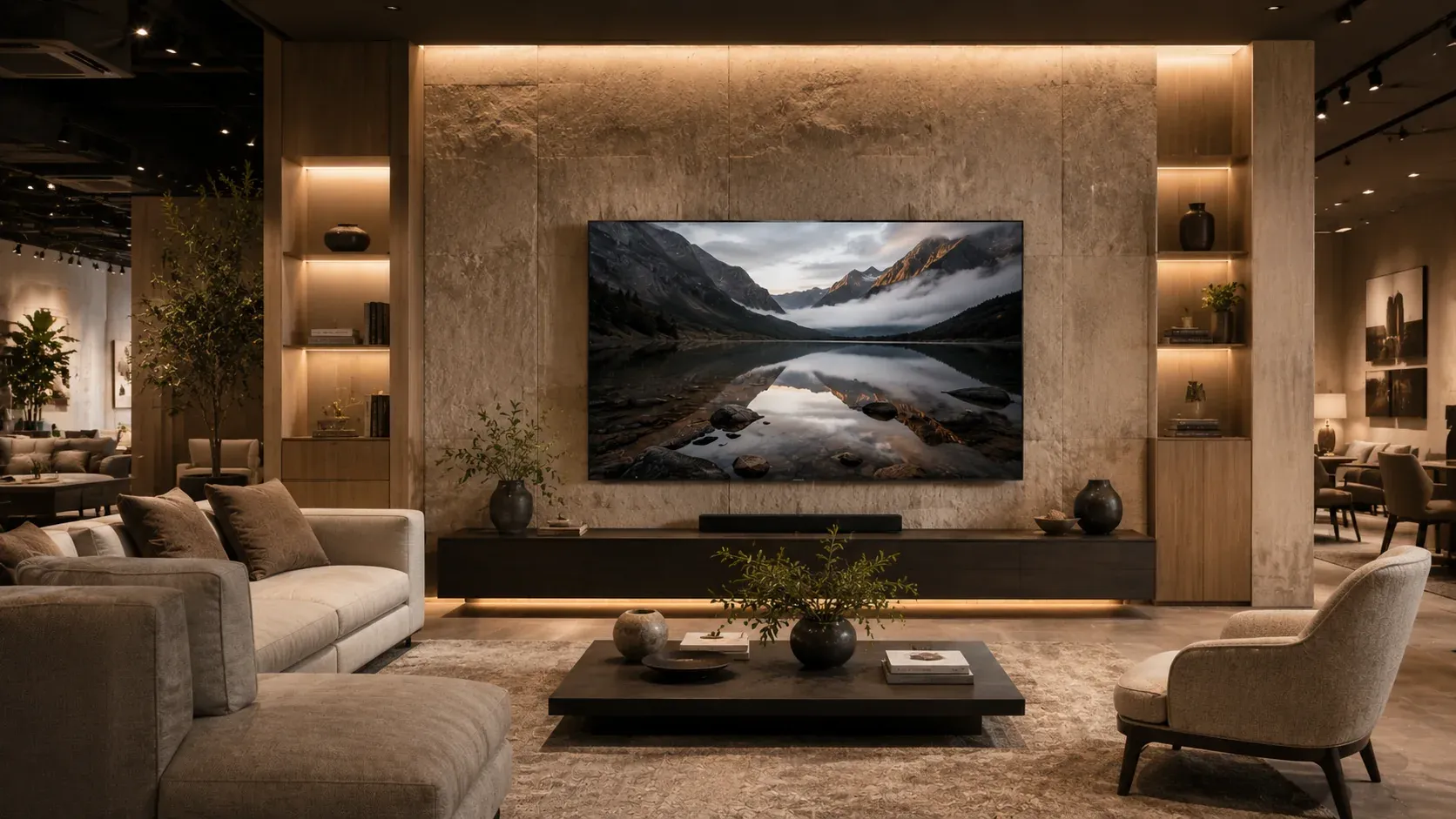
Prop TV vs Real TV for Furniture Showrooms: Cost, Maintenance & Multi-Store Trade-Offs
A furniture showroom does not need a television to stream content in every room set. It needs the visual role of a television to complete the room. That distinction changes how display teams should compare a real TV with a non-functional prop TV.
For one location, a real television may appear to be the obvious choice. Across dozens of stores, however, the decision becomes less about electronics and more about operations: power access, cable routing, handling, damage exposure, replacement consistency, screen content, store-level setup and the ability to reproduce the same visual standard again and again.
This guide is designed for furniture retailers, visual merchandising teams, store planners and procurement managers who need to decide where real TVs add value—and where Professional Prop TVs may be the simpler display tool.
Start with the job the display needs to do
Before comparing products, define the job of the screen inside the room set.
In an interactive electronics zone, customers may need to see moving content, test controls or experience a live screen. In that situation, a functional TV has a clear purpose.
A furniture showroom is different. In many staged living rooms, bedrooms and model spaces, the television is primarily a visual anchor. It helps the customer understand the intended use of a media console, wall unit, sofa arrangement or entertainment zone. If the display does not require live content, buying functionality that the room set never uses may add unnecessary operational dependencies.
A useful first question is therefore:
Does this screen need to function, or does it need to complete the visual story of the room?
That question should come before brand, panel technology or smart-TV features.
Prop TV vs real TV: a B2B comparison
The most useful comparison is not “which product is better?” It is “which product fits the job?”
Power and cable management
A real television normally needs access to power, and a live setup may also require signal or network planning. That can be completely reasonable in an interactive display zone. In a static furniture room set, however, visible cables or outlet constraints may limit where the screen can be positioned.
A non-functional prop TV removes the power requirement from the visual display itself. This can give store planners more freedom when designing static scenes, especially when the same room concept must be reproduced in different store layouts.
Screen content
A functional screen needs a decision about what it displays. Leaving it off creates a dark reflective surface; leaving it on means someone must choose, update and manage the content.
A prop TV can use a selected display image where the product supports it. That allows merchandising teams to treat the screen image as part of the room styling rather than as a live electronic system.
Handling and showroom refreshes
Showrooms change. Collections rotate, furniture moves, seasonal layouts appear, and room sets are rebuilt. The relevant question is not only what a display looks like on day one, but how easily the store team can move, store and redeploy it.
For a multi-store group, handling becomes a repeatable process. This is where product weight, packaging and installation method start to matter alongside appearance.
Consistency across stores
A single store can solve exceptions manually. A chain needs a standard.
If one location uses a different TV size, finish or screen treatment from another, the brand presentation becomes harder to control. Prop electronics can be useful when headquarters wants to approve a repeatable visual standard and reproduce it across multiple locations.
Our guide on how furniture chains standardize multi-store displays explores that problem in more detail.
Replacement and reordering
For any multi-location project, procurement should ask a simple question: if we need the same item six months from now, what reference will we use?
The answer should include an approved specification, product reference, screen artwork if applicable, packaging standard and reorder process. The goal is to avoid re-deciding the same display every time a store opens or refreshes.
When a real TV still makes sense
A balanced procurement decision should acknowledge where real televisions are the better tool.
A functional TV may be appropriate when:
- customers need to interact with the device;
- moving content is an intentional part of the experience;
- a live digital signage system is required;
- the screen itself is being demonstrated as a product;
- the display needs real connectivity or software behavior.
Using a prop TV in those situations would solve the wrong problem.
When a prop TV can be operationally simpler
A non-functional display TV becomes more relevant when the goal is static visual staging rather than electronics demonstration.
Common examples include:
- furniture showroom living-room sets;
- model homes and show apartments;
- bedroom media walls;
- temporary commercial displays;
- repeated room concepts across multiple stores;
- creative sets where live screen behavior is unnecessary.
In these environments, the benefit is not “fake technology.” The benefit is removing functions the scene does not need.
What procurement should confirm before standardizing
Before approving any prop TV for a larger project, confirm the variables that will affect repeatability.
1. Screen size
Do not choose a size in isolation. Compare it with the console width, wall composition, furniture scale and room purpose. A 65-inch model may work well in one layout while a 75-inch model is more balanced in another.
2. Mounting or placement
Confirm whether the display will be wall-mounted, placed on a console or used in a mixed configuration. The installation method should be approved during the sample stage, not improvised store by store.
3. Screen artwork
If the selected model supports custom or replaceable screen graphics, define who approves the image and how future versions will be controlled.
4. Sample approval
For a multi-store program, one approved sample can become the reference point for later quantities. Record photos, product reference, size, finish and any screen treatment.
5. Packaging and receiving
Ask how the products will be packed, labeled and received. A central warehouse may prefer a different packing plan from direct-to-store delivery.
6. Rollout schedule
Store openings rarely happen on one day. Build the supply plan around opening dates, warehouse capacity and phased deployment.
7. Reorder process
The first order is only the beginning if the concept works. Define the reorder reference early so future stores do not have to restart the approval process.
From one sample to a multi-store standard
The safest path is usually progressive rather than all-at-once.
**Step 1 — Define the visual job.** Decide which room types actually need a TV cue.
**Step 2 — Shortlist size and format.** Compare options such as 65-inch Prop TVs and 75-inch Prop TVs against the room layout.
**Step 3 — Approve a sample.** Confirm appearance, placement, screen treatment and handling.
**Step 4 — Document the standard.** Record the approved model, artwork, packing and installation approach.
**Step 5 — Roll out by store or region.** Use a store matrix and delivery schedule rather than one undifferentiated quantity.
**Step 6 — Keep the reorder reference.** Future locations should be able to reproduce the approved setup without starting from zero.
For larger programs, use the Multi-Store Showroom Deployment Guide to turn the visual concept into a repeatable process.
A simple decision checklist
Before choosing between a real TV and a prop TV, ask:
- Does the customer need to interact with the screen?
- Does the screen need live or changing content?
- Will visible cables affect the room design?
- How often will the room set be moved or refreshed?
- Does the same setup need to be repeated across many locations?
- Who will maintain or manage the display?
- Is consistent replacement or reordering important?
- Would one approved sample help standardize the rollout?
The right answer may be different for different areas of the same store. A retailer can use functional screens where interaction matters and prop TVs where the job is simply to complete a believable room.
Next step: compare before you quote
If you are evaluating display TVs for one showroom or a multi-store program, start by mapping the room types, required sizes and whether each screen truly needs to function.
Then compare that list with your current setup. If a non-functional display is appropriate, the next useful step is not a large purchase order—it is one approved sample.