Oct 5, 2026Interior Design Projects
Prop Electronics for Middle East Hospitality & Luxury Developments: A Project Planning Guide
A project-planning guide for hotels, serviced apartments, show suites and luxury developments using non-functional prop TVs, laptops and tablets as repeatable visual staging elements.
Prop Electronics for Middle East Hospitality & Luxury Developments: A Project Planning Guide
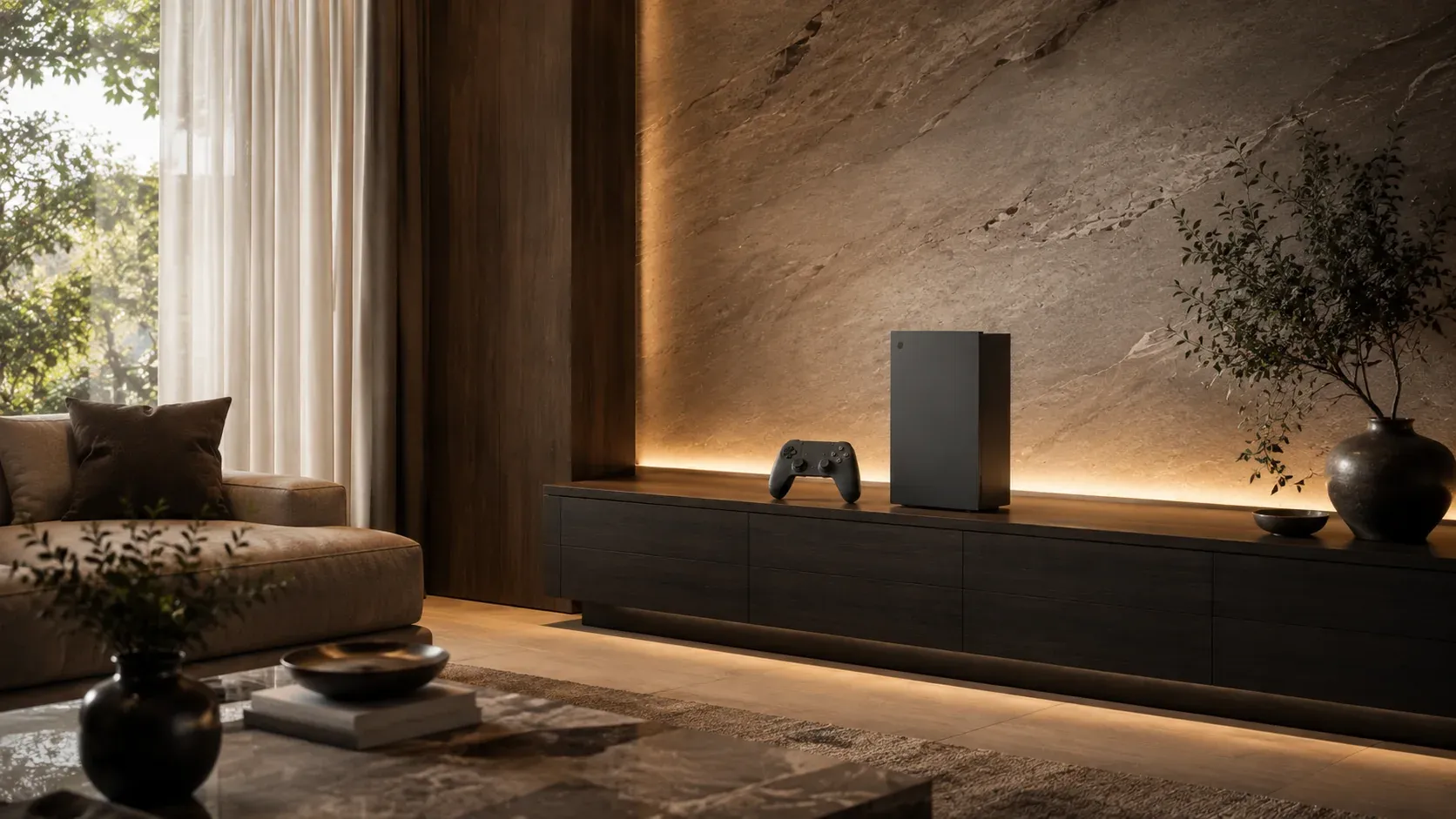
In hospitality and luxury development projects, electronics often play a visual role long before they play a functional one.
A staged suite, serviced apartment, show unit or sales gallery may need the presence of a television, laptop or tablet to communicate how the space will be used. At the same time, the project team may want flexibility around power, installation, content management and repeated room setups.
Non-functional prop electronics can be useful in those static presentation environments—but only when the project clearly separates visual staging from equipment that must actually function.
Where prop electronics fit in hospitality staging
The strongest use cases are environments where the device supports the interior narrative rather than provides a guest service.
Show suites
A show suite is a sales and design environment. A prop TV can complete a media wall, while a laptop or tablet can add a lifestyle cue to a desk, lounge or bedside setting.
Sales galleries
Developers often use staged rooms or vignettes inside sales environments. Electronics can help visitors understand how the finished space is intended to feel.
Serviced apartments
When units are used for display, photography or sales presentation, non-functional devices may help complete the visual story before operational equipment is installed.
Executive lounges and office-style hospitality spaces
Prop laptops or AIO desktops can make desks and work zones feel active without introducing account, charging or cable-management requirements.
Hotel room mock-ups
Mock-up rooms used for design review may benefit from representative electronics when the team is evaluating furniture scale, wall composition and overall styling.
Coordinate prop electronics with the FF&E concept
The product should support the furniture, fixtures and equipment plan—not compete with it.
Before selecting a prop, review:
- furniture dimensions;
- wall treatment;
- screen size;
- room type;
- color palette;
- whether the display is a focal point or secondary cue;
- whether screen artwork must match a brand or project theme;
- whether the device needs to be moved between mock-ups or suites.
The Professional Prop TVs and Professional Prop Laptops guides can help project teams compare product roles before choosing a specific model.
Separate visual staging from operational equipment
This is the most important decision in hospitality.
A guest room that will be operational needs real functional equipment where guests are expected to use it. A prop is not a substitute for a working television in an occupied hotel room.
Prop electronics are more appropriate when:
- the room is a show suite or mock-up;
- the electronics are part of a static sales presentation;
- the project needs a visual cue before operational equipment is installed;
- the device is used in photography or display areas;
- the scene does not require live content or interaction.
This boundary should be documented so the procurement team understands exactly where props are being used.
Build repeatable room-type kits
Hospitality projects naturally repeat room types. That makes them well suited to standardized staging kits.
For example:
Standard Room Kit
- approved TV size and placement;
- optional phone or tablet cue;
- approved screen image where applicable.
Suite Kit
- larger TV or media-wall configuration;
- laptop or AIO desktop for a work area;
- optional tablet or phone for lifestyle detail.
Sales Gallery Kit
- selected devices based on the model room or vignette;
- custom screen graphics where supported;
- spare or alternate products for campaign changes.
Executive Lounge Kit
- laptop or AIO desktop;
- tablet or phone where appropriate;
- placement guide.
A standard kit makes it easier to coordinate design, procurement and site installation.
Plan samples and approvals early
A sample can answer questions that specifications cannot.
Use it to confirm:
- proportion;
- finish;
- visual quality;
- screen treatment;
- placement;
- compatibility with the furniture;
- handling;
- packaging.
If the same prop will be repeated across many room types, document the approved sample with a reference photo and specification.
Procurement and delivery planning
Large hospitality and development projects may involve several receiving points and installation phases.
Before ordering, define:
Quantity by room type
Do not treat the order as one total number. Separate standard rooms, suites, sales areas and mock-ups.
Central receiving vs phased delivery
A project may receive everything through one warehouse or require staged delivery aligned with fit-out schedules.
Labeling
Cartons may need room-type, project or phase references to simplify site handling.
Spare quantities
Depending on the project, spare units may be useful for photography, replacement or future mock-ups.
Reorder standard
If the project expands, the approved configuration should be easy to reproduce.
Questions to send a supplier before approval
A serious B2B inquiry should cover more than price.
Ask:
1. Which product types and sizes are available?
2. Which colors or finishes can be supplied?
3. Which confirmed product data can be provided?
4. Is a sample available?
5. What customization is supported?
6. Can screen graphics be customized on supported models?
7. How are products packed?
8. What project quantity information is needed for planning?
9. Which shipping models can be supported?
10. How are repeat orders referenced?
If the project includes office-style suites or executive workspaces, Professional AIO Prop Desktops may be relevant alongside laptops.
Build a project brief from the FF&E schedule
The most efficient first conversation often starts with the room schedule rather than a product request.
A useful brief can include:
- room types;
- number of each room type;
- staging vs operational use;
- required electronic cues;
- furniture dimensions where relevant;
- preferred product sizes;
- screen artwork needs;
- destination;
- project phase;
- required delivery window.
The supplier can then map products to the project instead of asking the buyer to select every SKU without context.
Next step: map the room types
If you are planning a hospitality or luxury development project, identify where electronics are being used for visual staging and where real functionality is required.
Then share the room-type list or FF&E schedule.
That small step creates a much clearer conversation about samples, product selection, quantities and delivery—and prevents the project from buying visual props in places where operational equipment is actually needed.